Turn Off Two Step Authentication on Microsoft
1. Sign into your admin portal of your Microsoft account, click on “Azure Active Directory”
2. Select “Azure Active Directory” then “Properties” and scroll down to “Manage Security Defaults”
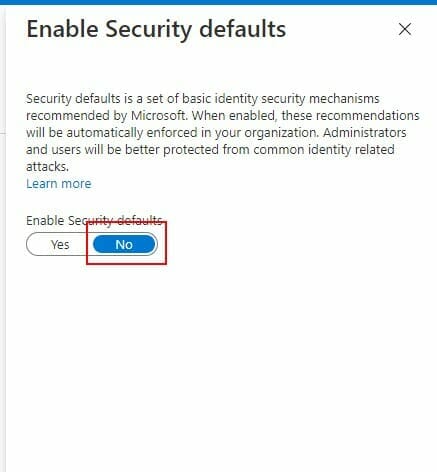
3. Enable Security defaults to “No”